

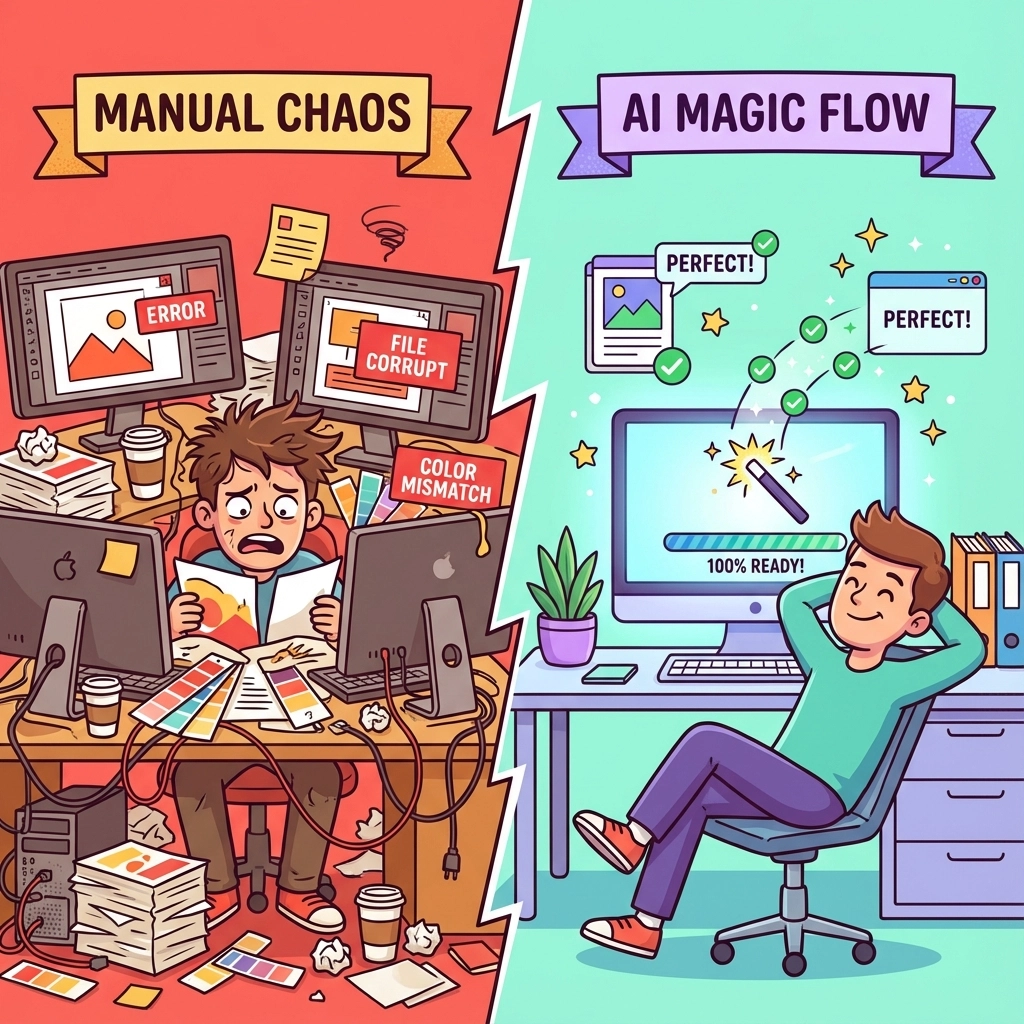
Running a DTF shop in 2026 without AI automation is like trying to compete in Formula 1 with a horse and buggy. Sure, you'll eventually get there, but your competitors will have lapped you three times before you reach the first turn.
The good news? AI tools for DTF printing have finally matured beyond the "cool but useless" phase. We're talking about real, practical automation that's saving shop owners 10+ hours per week and dramatically cutting their stress levels.
If you're still manually prepping every design, running test prints for color matching, and laying out gang sheets by hand, you're literally burning money. Here are the five automation hacks that smart DTF shop owners are using to dominate 2026.
Hack #1: One-Click Design Optimization (Saves 3-4 Hours Weekly)
Remember the days when every customer file needed manual cleanup? Background removal, resolution fixes, transparency issues, color corrections – the works. That tedious pre-press work is now completely automated.
Modern AI tools like STAHLS' ART AI Assist handle all the common design issues with a single click:
• Background removal – Even complex backgrounds with hair, fabric textures, or intricate details
• Resolution enhancement – Upscales low-res images without that blurry, pixelated look
• Transparency correction – Fixes those annoying white halos and edge artifacts
• Color optimization – Adjusts colors for optimal DTF printing
• Halftone application – Automatically applies the right halftone patterns for your specific setup
The time savings here are massive. Instead of spending 10-15 minutes per design doing manual cleanup, you're looking at maybe 30 seconds of upload and click. For shops processing 50+ designs weekly, that's easily 3-4 hours back in your pocket.
Pro tip: Set up batch folders so the AI can process multiple customer files simultaneously while you handle other tasks. It's like having a skilled graphic designer working 24/7 without the salary demands.
Hack #2: AI Color Matching That Eliminates Test Runs (Saves 2-3 Hours Weekly)
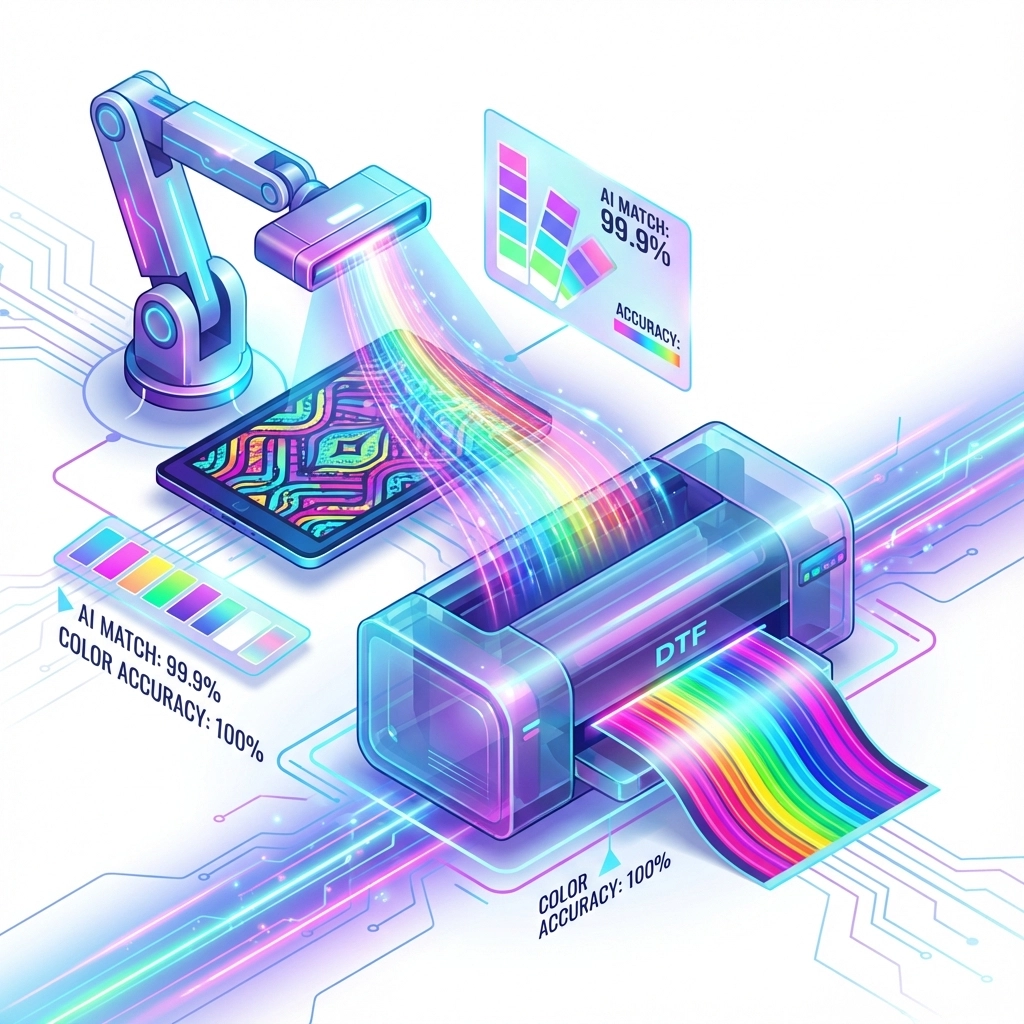
Here's where AI really flexes its muscles. Traditional color matching is a nightmare – print a sample, adjust settings, print another sample, curse at the results, repeat until you're ready to throw your printer out the window.
AI color matching systems analyze your design and automatically adjust ink formulations to hit 95%+ color accuracy on the first print. We're talking about a complete workflow transformation:
Old Way:
- Receive design
- Print test sample
- Compare to original
- Adjust settings
- Print another test
- Repeat 3-5 times
- Finally print production run
AI Way:
- Receive design
- AI analyzes and optimizes
- Print production run (done!)
The time savings are documented at 60-80% reduction in turnaround time, which translates to roughly 2-3 hours weekly for most shops. But the real win? No more material waste on test runs and zero customer complaints about color mismatches.
Hack #3: Smart Gang Sheet Layout Automation (Saves 2-3 Hours Weekly)
Gang sheet layout optimization used to be part art, part math, and part pure frustration. You'd spend forever trying to fit designs efficiently, minimize waste, and maximize your film usage.
AI layout generators solve this puzzle in seconds. They analyze all your pending orders and arrange them to:
• Maximize film utilization – Sometimes hitting 90%+ efficiency vs. 60-70% manual layouts
• Optimize cutting paths – Reduces post-print processing time
• Balance print density – Prevents uneven ink distribution that causes quality issues
• Group compatible designs – Automatically separates designs that need different print settings
Our DTF gang sheet auto designer incorporates these AI principles to help you maximize every sheet. The automation handles the tedious spatial reasoning while you focus on growing your business.
Real-world example: A shop processing 100 small designs weekly went from spending 45 minutes per gang sheet layout to under 5 minutes. That's 2+ hours weekly, plus they're saving 15-20% on film costs due to better layouts.
Hack #4: Automated Quality Control & Preflight Checks (Saves 1-2 Hours Weekly)
Nothing kills productivity like discovering problems after you've already started printing. Bad file formats, incorrect color modes, resolution issues, transparency problems – these issues used to mean stopping everything, fixing the file, and starting over.
AI-powered preflight systems catch these problems before they hit your printer:
• File format validation – Ensures files are print-ready
• Resolution analysis – Flags low-res graphics that will look terrible
• Color mode verification – Catches RGB files that need CMYK conversion
• Transparency detection – Identifies problematic transparency issues
• Text verification – Warns about fonts that might cause issues
The system runs these checks automatically as files upload, flagging problems with specific recommendations for fixes. No more surprise failures mid-print run.
Plus, many systems can automatically fix common issues. Wrong color mode? Fixed. Missing bleed areas? Added. Incorrect resolution? Enhanced. It's like having a quality control expert reviewing every job 24/7.
Hack #5: Batch Processing for High-Volume Orders (Saves 1-2 Hours Weekly)
When you're dealing with corporate orders, events, or bulk requests, processing files one-by-one is a productivity killer. AI batch processing handles multiple files simultaneously with consistent results.
Modern batch systems can:
• Process 50+ files in a single upload – Set it and forget it
• Apply consistent settings across all files in a batch
• Generate gang sheets automatically from batch uploads
• Create production reports showing exactly what was processed
• Handle mixed file types (PNG, JPG, PDF, AI files) in one batch
This is particularly powerful for recurring customers. Set up their preferred settings once, and every future batch gets processed with the same specifications automatically.
Time-saving math: Instead of handling each file individually (2-3 minutes each), batch processing reduces it to seconds per file. For a 50-piece corporate order, you're looking at 90+ minutes saved.

The Real ROI: Your Time vs. Tool Costs
Let's do some quick math. These five automation hacks save roughly 10 hours weekly. At a conservative $25/hour value for your time, that's $250 weekly or about $13,000 annually.
Most AI tools for DTF shops cost between $50-200 monthly. Even at the high end, you're looking at $2,400 annually – giving you an ROI of over 400%.
But here's the bigger picture: those saved hours aren't just about money. They're about sanity. Less manual work means less stress, fewer errors, and more time to focus on growing your business instead of being stuck in production bottlenecks.
Getting Started With AI Automation
You don't need to implement everything at once. Start with the biggest pain point in your workflow:
• If design prep is killing you → Start with one-click optimization tools
• If color matching is your nightmare → Focus on AI color systems first
• If gang sheet layouts take forever → Prioritize layout automation
• If quality issues cause reprints → Begin with automated preflight checks
• If high-volume orders overwhelm you → Implement batch processing
The key is starting somewhere. Every hour you automate is an hour you can spend on customer service, marketing, or (crazy thought) actually taking a break.
2026 is the year DTF shops either embrace automation or get left behind. The tools are mature, the ROI is proven, and your competitors are already using them. The question isn't whether you can afford to implement AI automation – it's whether you can afford not to.
Ready to reclaim those 10 hours weekly? Your future self (and your stress levels) will thank you.