

Picture this: you're running a small print shop, and orders are coming in faster than you can handle. Your phone's buzzing with custom requests, but you're stuck at your computer trying to manually arrange gang sheets. Sound familiar?
Here's the game-changer that's revolutionizing how smart shop owners handle their DTF workflow: and it's literally in your pocket.
What Are Mobile-First DTF Gang Sheets?
Mobile-first DTF gang sheets flip the traditional workflow on its head. Instead of being chained to your desktop computer, you're managing your entire gang sheet operation from your smartphone or tablet. We're talking about uploading designs, arranging layouts, and submitting print orders: all while you're grabbing coffee or checking on your heat press.
The beauty? You can turn dead time into productive time. Waiting for a customer? Bang out a gang sheet. Stuck in traffic? Arrange tomorrow's orders. Your phone becomes your mobile command center for maximizing every square inch of your DTF prints.
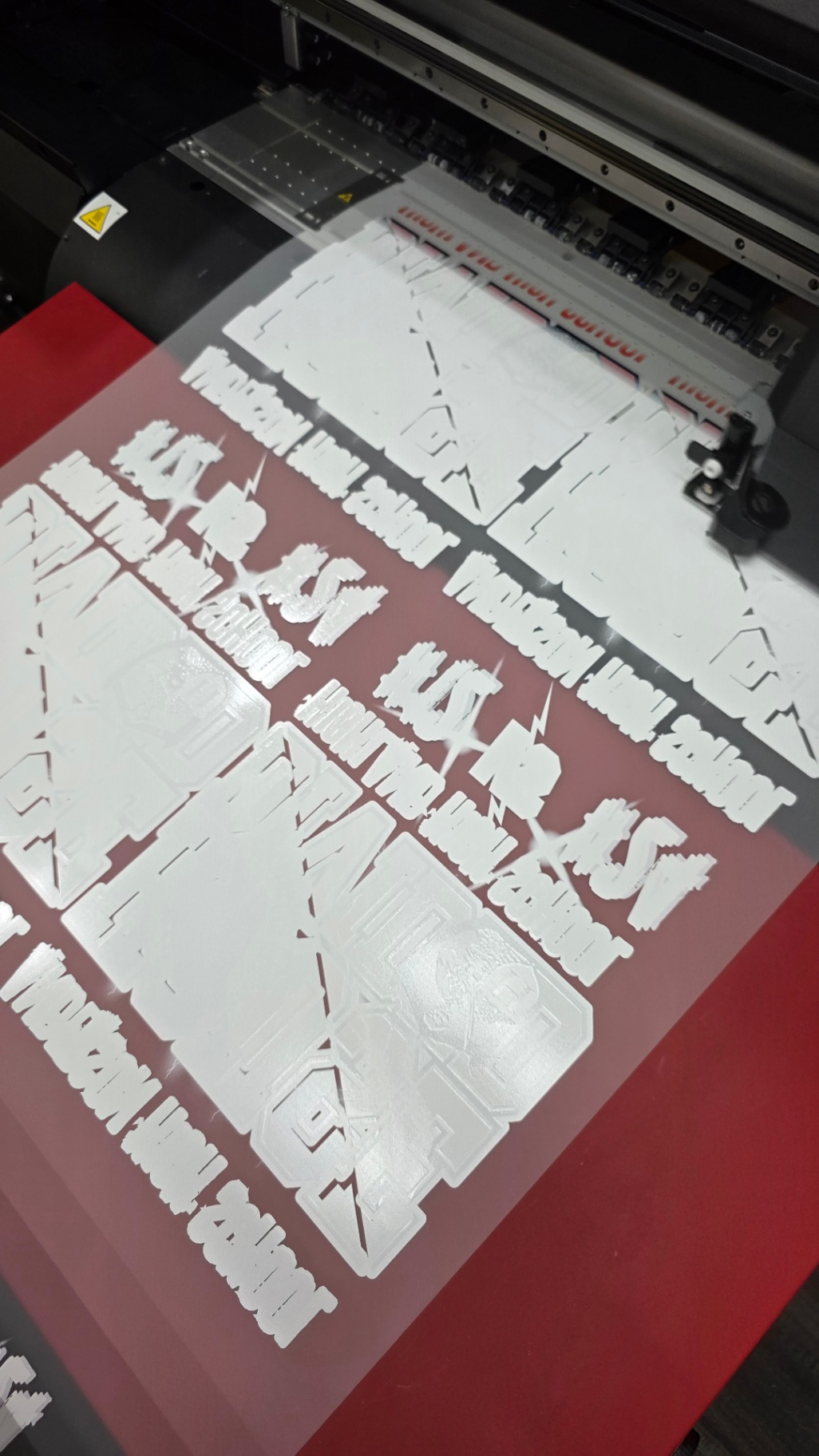
The 10-Minute Mobile Setup That's Changing Everything
Let's break down exactly how small shop owners are setting up profitable gang sheets in under 10 minutes using just their phones:
Minutes 1-2: Quick Design Upload
Open your mobile browser and navigate to your gang sheet builder. Most modern platforms are mobile-optimized, meaning you can upload customer designs directly from your phone's photo gallery. No more transferring files between devices or dealing with clunky desktop software.
Minutes 3-5: Smart Auto-Arrangement
Here's where the magic happens. Advanced gang sheet builders now use AI to automatically arrange your designs for maximum material usage. The algorithm calculates the most efficient layout in seconds: something that used to take 20+ minutes of manual adjustment.
Minutes 6-8: Quick Quality Check
Zoom in, check resolution, verify colors. Mobile screens are actually perfect for this because you can pinch-to-zoom and catch details you might miss on a desktop monitor. Plus, you can rotate your phone to get different perspectives on the layout.
Minutes 9-10: Submit and Schedule
One tap to add to cart, another to schedule production. Many shops are setting up recurring gang sheet orders this way, creating a steady stream of ready-to-press transfers without the constant manual work.
Why This Mobile Approach Is Doubling Small Shop Orders
Faster Response Times
When a customer sends you a design at 7 PM, you can have it arranged on a gang sheet and ready for production by 7:10 PM. That kind of responsiveness builds customer loyalty and leads to repeat orders.
Batching Efficiency
Instead of processing orders one at a time, you're constantly batching similar designs together throughout the day. This means lower per-unit costs and higher profit margins on every gang sheet you produce.

Reduced Bottlenecks
Your design arrangement process is no longer tied to being physically present at your computer. Orders keep flowing even when you're away from the shop, handling other business tasks, or working with customers face-to-face.
The Smart Shop Owner's Mobile Gang Sheet Workflow
Morning Coffee Setup (5 minutes)
While your coffee brews, pull up yesterday's orders on your phone. Group similar designs, colors, and sizes into batches. This mental organization makes the actual gang sheet creation lightning fast.
Lunch Break Productivity (10 minutes)
Use your lunch break to arrange the morning's gang sheets. Most mobile platforms save your progress automatically, so you can start a gang sheet, get interrupted by a customer, and pick up exactly where you left off.
End-of-Day Batch (15 minutes)
Before heading home, set up tomorrow's gang sheets using all the designs that came in during the day. This means you can start printing first thing in the morning instead of spending the first hour on layout work.
Mobile Gang Sheet Best Practices That Actually Work
Design Organization
Keep a dedicated folder on your phone for customer designs. Use clear naming conventions like "CustomerName_Date_Description" so you can quickly find what you need when building gang sheets.
Size Standardization
Mobile gang sheet building works best when you standardize your sheet sizes. Pick 2-3 standard dimensions and stick with them. This makes the mobile layout process much faster since you're not constantly adjusting sheet parameters.
Quality Shortcuts
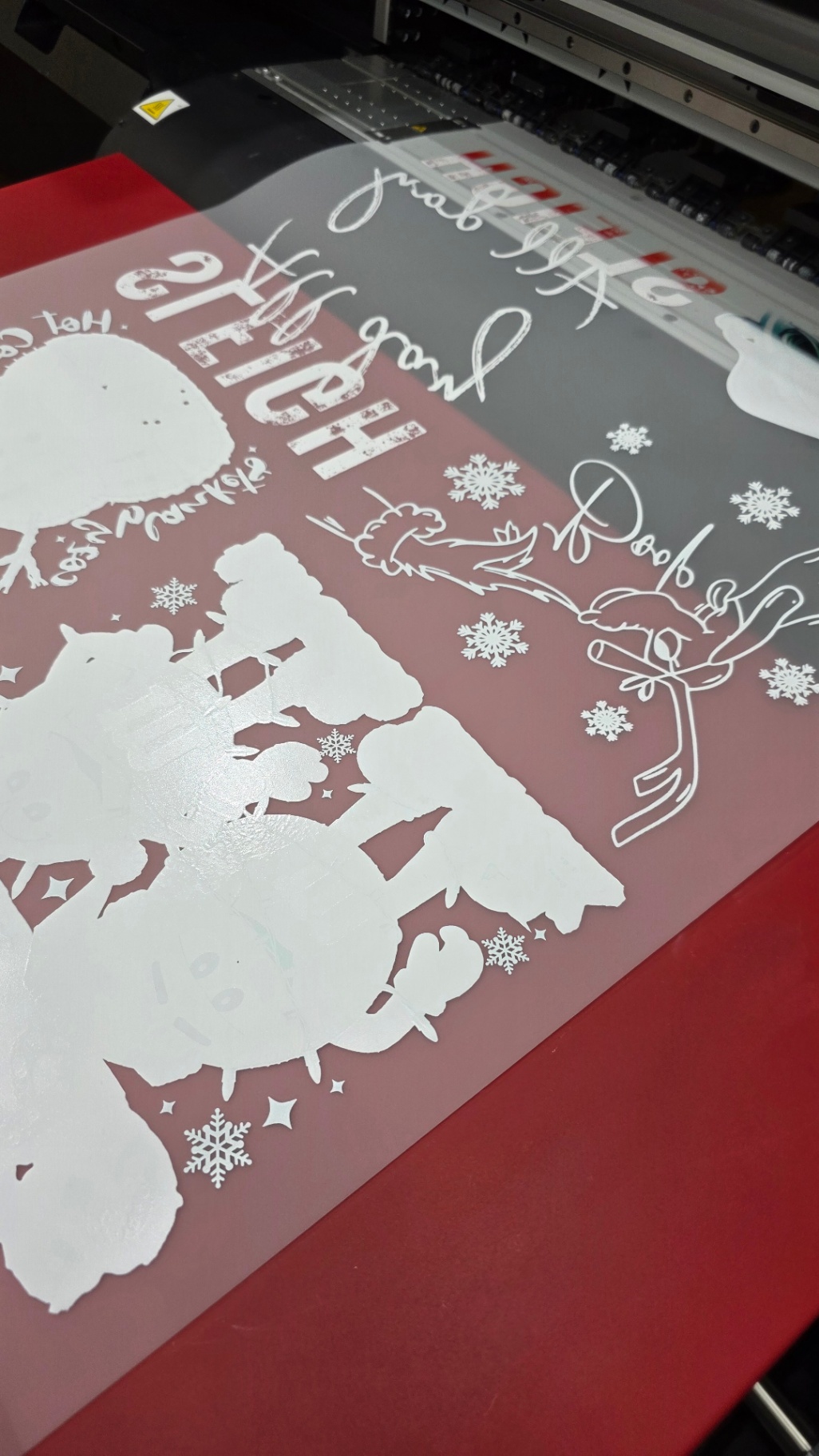
Learn the visual cues for good gang sheet layouts on mobile. Proper spacing should look like you can fit your thumb between designs. If text looks readable at normal phone viewing distance, it'll print crisp.
Common Mobile Gang Sheet Mistakes (And How to Avoid Them)
Overcrowding Sheets
It's tempting to cram as many designs as possible onto each sheet, especially when working on a small mobile screen. Leave adequate spacing between designs: about 0.25 inches minimum. Your future self will thank you when it's time to cut and weed.
Ignoring Resolution Warnings
Mobile platforms usually flag low-resolution uploads with visual indicators. Don't ignore these warnings! A design that looks okay on your phone screen might print pixelated and unprofessional.
Forgetting to Save Progress
Even with auto-save features, manually save your gang sheets before switching apps or taking calls. Nothing's more frustrating than losing 10 minutes of careful arrangement work.
The Numbers Don't Lie: Mobile Gang Sheet ROI
Smart shop owners tracking their mobile gang sheet adoption report impressive results:
- 40% reduction in design arrangement time
- 25% increase in daily order capacity
- 60% improvement in customer response times
- 30% boost in repeat customer rate
The efficiency gains compound quickly. When you can process more orders in the same amount of time, you're essentially giving yourself a raise without working longer hours.
Mobile Tools That Make Gang Sheets Effortless
Responsive Gang Sheet Builders
Look for platforms specifically optimized for mobile use. The interface should be touch-friendly with large buttons and intuitive gestures. Pinch-to-zoom should work smoothly, and drag-and-drop functionality should feel natural.
Cloud-Based Storage Integration
The best mobile gang sheet workflows integrate directly with cloud storage services. Upload a design to Google Drive or Dropbox, and it's immediately available in your gang sheet builder.

Push Notifications for Order Updates
Set up notifications so you know immediately when new orders come in. This allows you to batch similar orders together before creating gang sheets, maximizing material efficiency.
Advanced Mobile Gang Sheet Strategies
Color-Based Batching
Group designs by color requirements when building mobile gang sheets. This reduces setup time on your DTF printer and ensures consistent color output across similar designs.
Customer Priority Systems
Use mobile tags or labels to mark rush orders or VIP customers. This visual system helps you prioritize which designs get prime placement on your gang sheets.
Template Reuse
Save successful gang sheet layouts as mobile templates. When similar order patterns come in, you can duplicate proven arrangements instead of starting from scratch.
What's Next for Mobile DTF Workflows?
The trend toward mobile-first print shop management is just getting started. We're seeing developments in AI-powered design optimization, voice-controlled gang sheet building, and even augmented reality preview features for mobile devices.
Shop owners who adopt mobile gang sheet workflows now are positioning themselves ahead of competitors still tied to desktop-only processes. The efficiency gains aren't just about saving time: they're about creating the capacity to grow your business without proportionally increasing your workload.
Ready to transform your gang sheet workflow and start doubling your order capacity? The tools are already in your pocket. It's time to put them to work for your print shop's success.
Your mobile gang sheet journey starts with a single tap. Check out our gang sheet builder and see how 10 minutes can change your entire production workflow.